
Put a helpful assistant on your Shopify storefront.
Answer the product and delivery questions people ask while browsing a collection. The floating chat stays within reach as they move between products.

 Shopify layout/theme.liquid
Try it in a duplicate theme first
Have your assistant’s widget script ready and use an account with theme editing permissions.
Documentation from ShopifyDuplicate the current theme
Go to Online Store and open Themes. Make a copy of your published theme so you can preview the change before customers see it.
Place the script in the theme layout
Open Edit code on the copy. In layout/theme.liquid, paste your Botforger widget script immediately before the closing body tag. Save the file.
Preview the shopping journey
Open a product, collection and cart page in the theme preview. Ask one product question on a phone, then publish the tested theme when ready.
Help someone choose the right lampshade
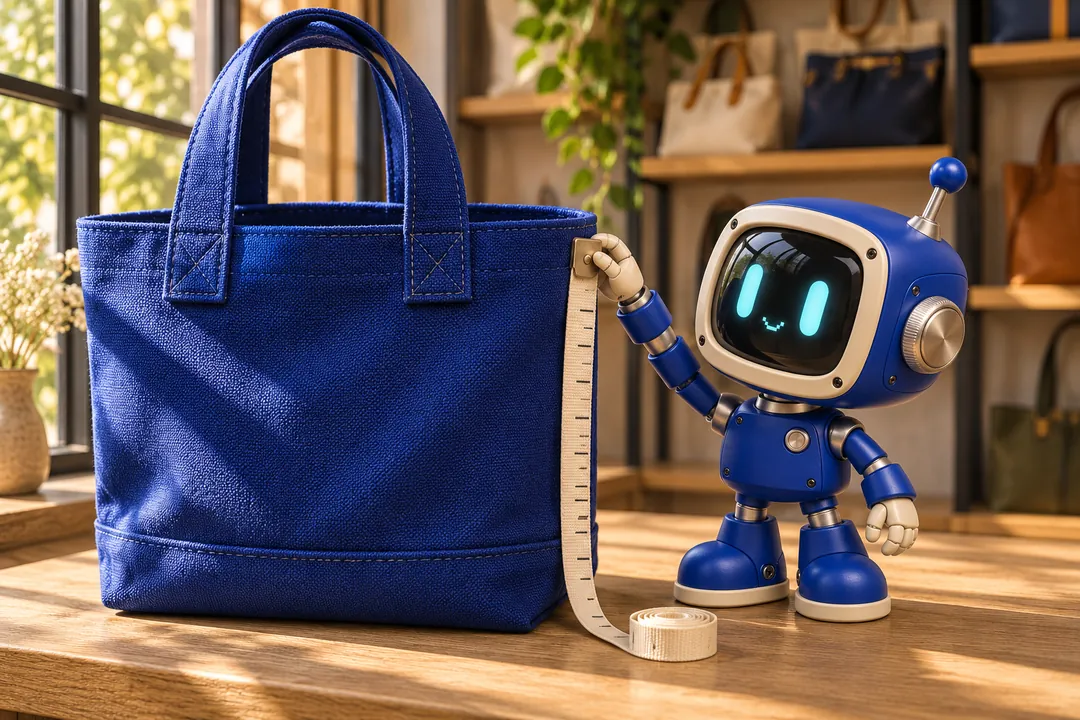
“Will this linen shade fit my E27 lamp holder?” A shopper might compare several shades before choosing a size. Put your fitting guide and the names of compatible ranges in the assistant’s instructions so it can explain what to measure.
Decide where fitting advice belongs
- Across the storefront
- Add the launcher once in layout/theme.liquid. A shopper can ask while browsing the collection and find the same button on a product page. Choose a corner that leaves the mobile cart button within reach.
- Only on product pages
- Wrap the snippet in a Liquid condition that checks whether request.page_type equals “product”. This keeps the homepage photography clear and puts the fitting advice where the product measurements appear.
Follow a shade from collection to cart
Check one collection and one product in your theme preview, then follow the same route on the customer-facing domain.
Shopify’s guide to theme layouts- Is the script visible only in the theme preview?
- In Online Store, open Themes and check which copy is published. A saved edit in a draft reaches customers when you publish that tested copy.
- Did the button disappear after a theme update?
- Find widget.js in the updated layout. If the update omitted your edit, reinsert the studio snippet once in a duplicate of the updated theme and preview it.
- Does chat disappear during checkout?
- Shopify runs checkout separately from the storefront theme. Put the fitting guide or delivery information on the product or cart page so shoppers can ask before they start checkout.
Frequently asked questions
Does this require a Shopify app?
This installation uses your theme’s HTML and a script from Botforger. Your theme and account need to allow code edits.