
Help shoppers choose with confidence.
Give the question between browsing and buying a place to go. Put sizing, delivery and returns guidance inside your storefront.
Which product questions should an ecommerce chatbot answer?
Start with a question where a precise fact changes the purchase. “Is this a good bag?” is hard to answer usefully. “Will a 14-inch laptop in a padded sleeve fit through the opening?” tells you exactly which measurement to give. Record the usable opening as well as the outside dimensions.
Write down where the answer can change. Different sizes can have different openings, a delivery estimate can depend on the address and the stock count changes with each sale. Give the assistant the stable details and point to the product or checkout page for the current choice.
Set up a buying guide for a WooCommerce productAsk Fieldwork Supply.
Hi there! Looking for a little help with your next bag?
What your shop assistant should know
Start with the details you explain over the counter. Supply the measurements, conditions and links a shopper needs to decide.
Describe the product as a shopper would
“Fits a 14-inch laptop” is more useful than “roomy.” Give your assistant the concrete measurements behind your descriptions.
Keep shipping and returns close
Provide dispatch times, return windows and links to the full policies. Direct order-specific questions to your existing order lookup or contact page.
Show a small, curated selection
Add product cards with names, descriptions and links. Update the cards when your range changes so visitors arrive at the right product page.
Turn a product measurement into buying advice
This example shows why the wording in a shop’s answer sheet matters. The figures are sample product data.
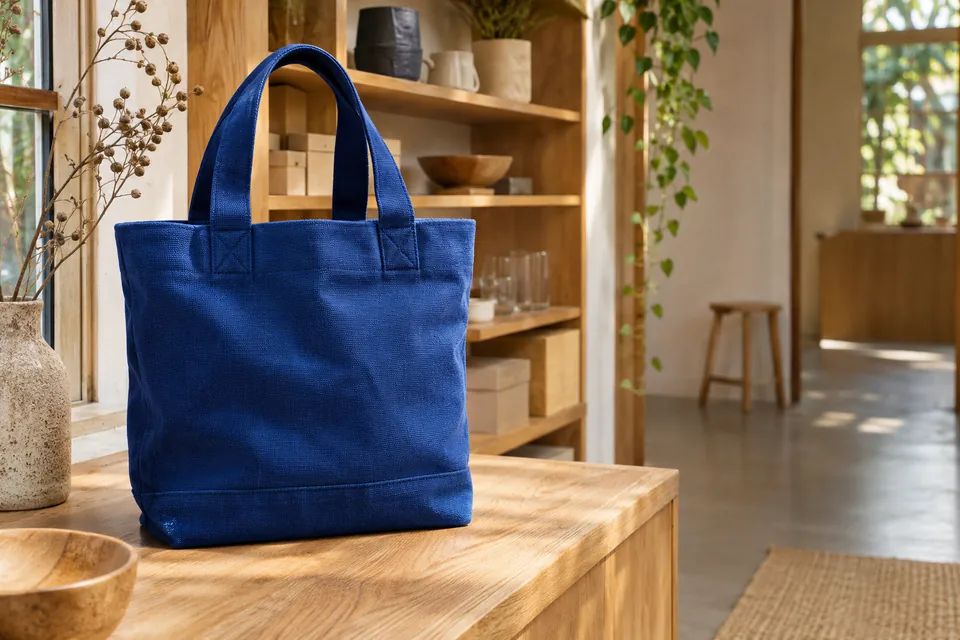
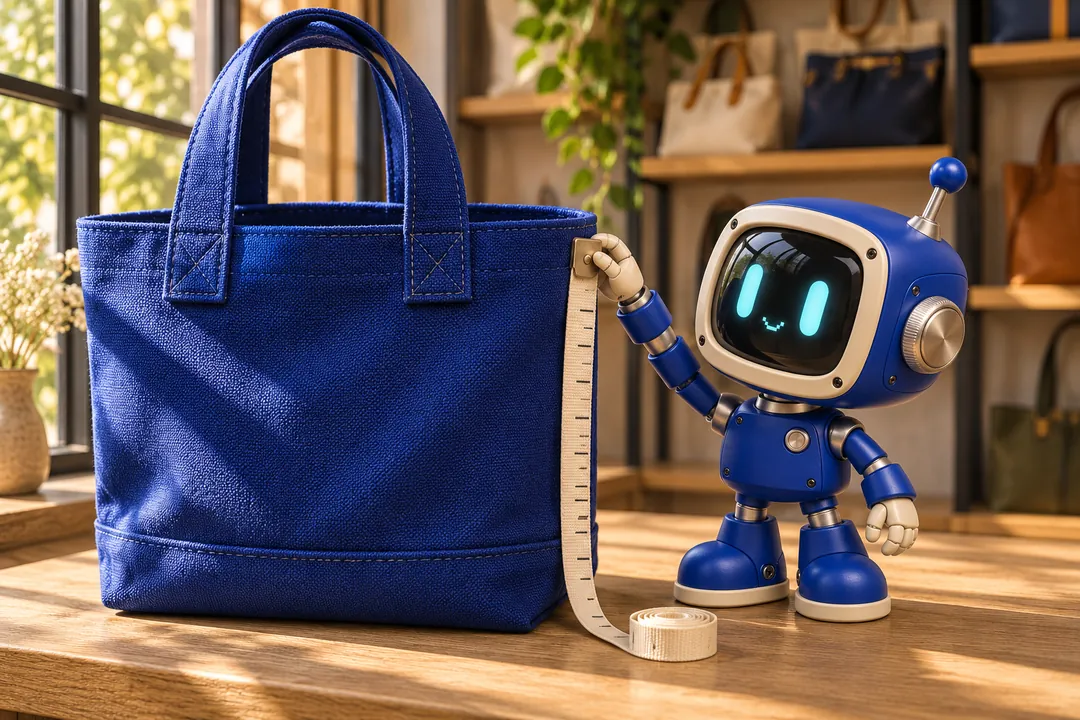
The Market Tote has a 32 cm zip opening. Its main compartment is unpadded. The product page lists the dimensions of each size. Check the width of any laptop sleeve.
- Visitor
- The sleeve around my laptop is 34 cm wide. Can I zip the Market Tote shut?
- Assistant
- The zip opening is 32 cm wide, so this tote is too narrow for a 34 cm sleeve to pass through flat. Check the size measurements on the product page before choosing a different bag.
Keep advice tied to the variant in the question. If the customer leaves out the size or model, have the assistant ask for it before recommending an item.
Frequently asked questions
Can the assistant track an individual order?
Use your assistant to explain shipping policies and point shoppers to your order-status page. Botforger’s website widget uses the product information and links you provide.
Which product details help someone choose between sizes?
Give the usable dimensions, unit and any exception, such as a zipper opening narrower than the inside of a bag. Ask for the dimensions of the item the visitor wants to carry, including its case.
Where should a shopper check whether a color is available?
Link to the product page where the shopper can select a color and see current stock. Keep permanent information, such as material and care instructions, in the assistant’s brief.